

 FAQs
FAQsAllows you to add icon box with title and description on your page.
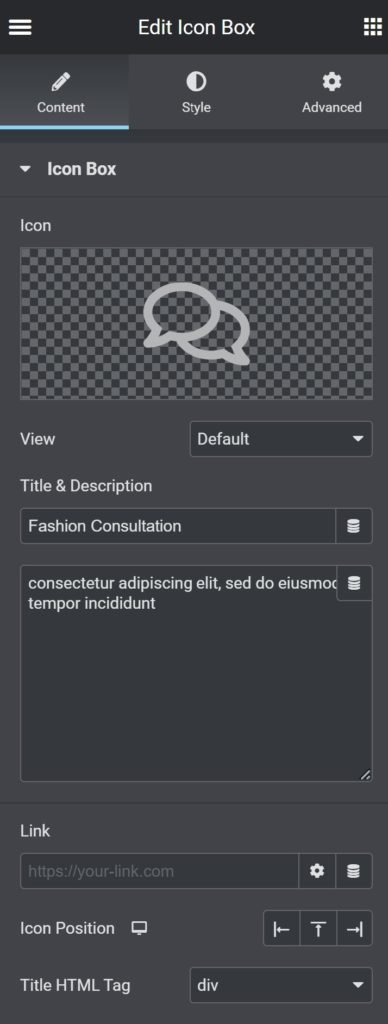
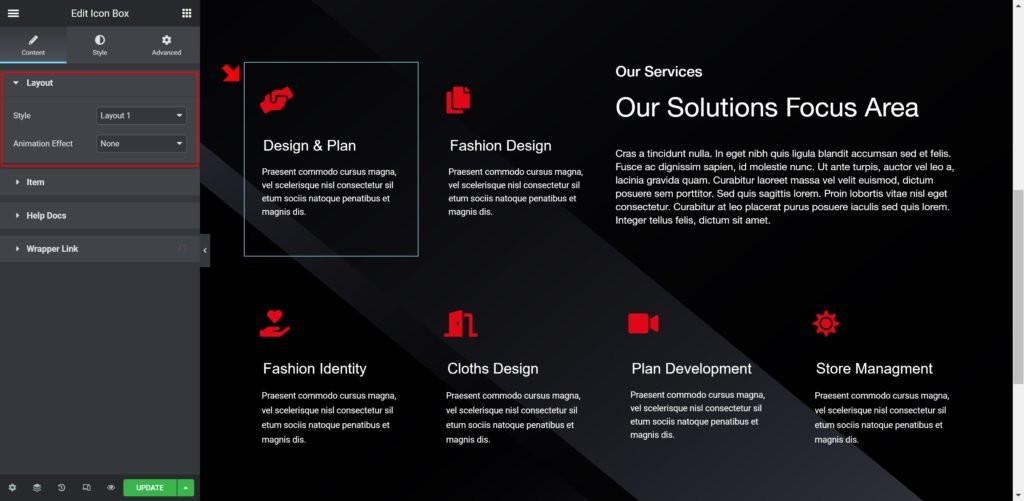
Content Settings
| Field | Type | Description | Default |
|---|---|---|---|
| Layout | Choose | Choose the style you prefer | |
| Icon | Choose | Choose from a list of Font Awesome icons |
Style Setting
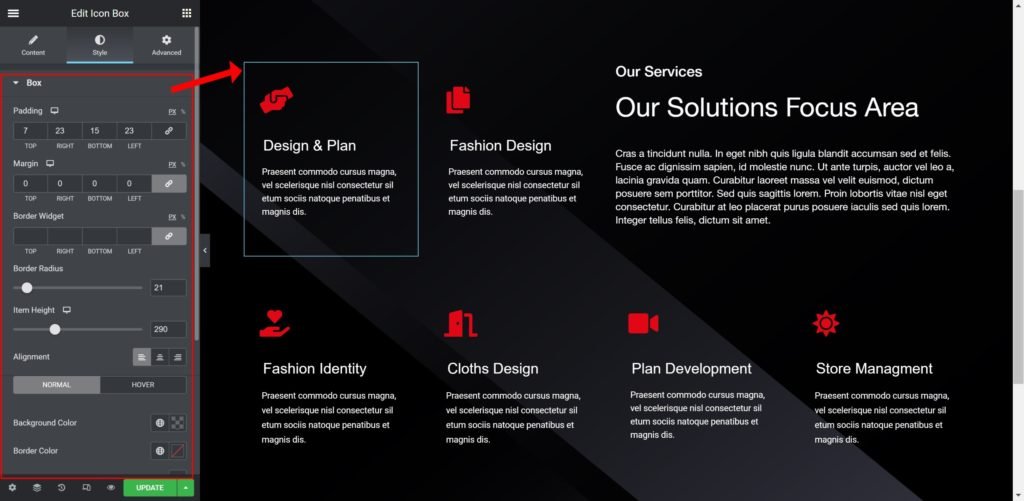
Box Padding: Set the distance between the icon / text and the border
Border Radius: Set the border radius of the box to control corner roundness
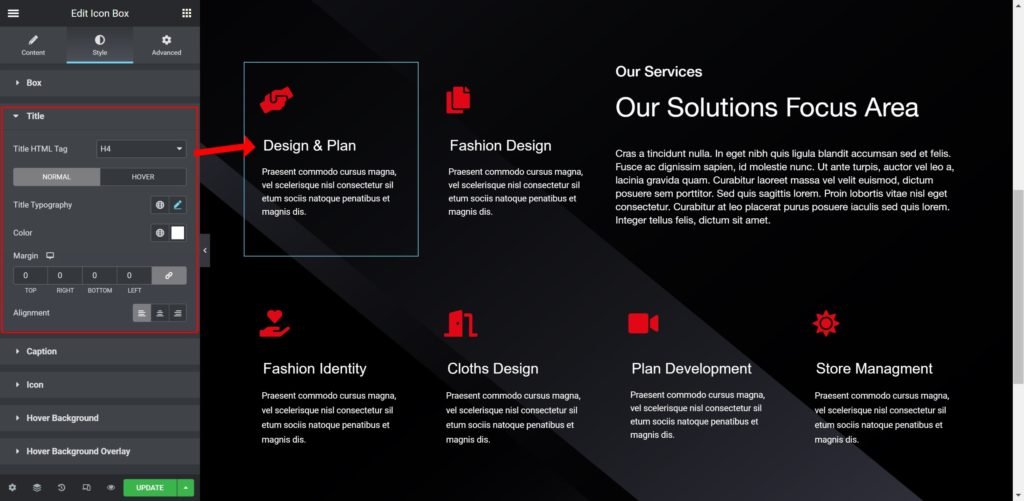
Typography: Customize the typography of the Title
Text Color: Set the color of the title
Caption Typography: Set the typography of the caption
Caption Color: Set the color of the caption
Spacing: Set the spacing between the description and the title
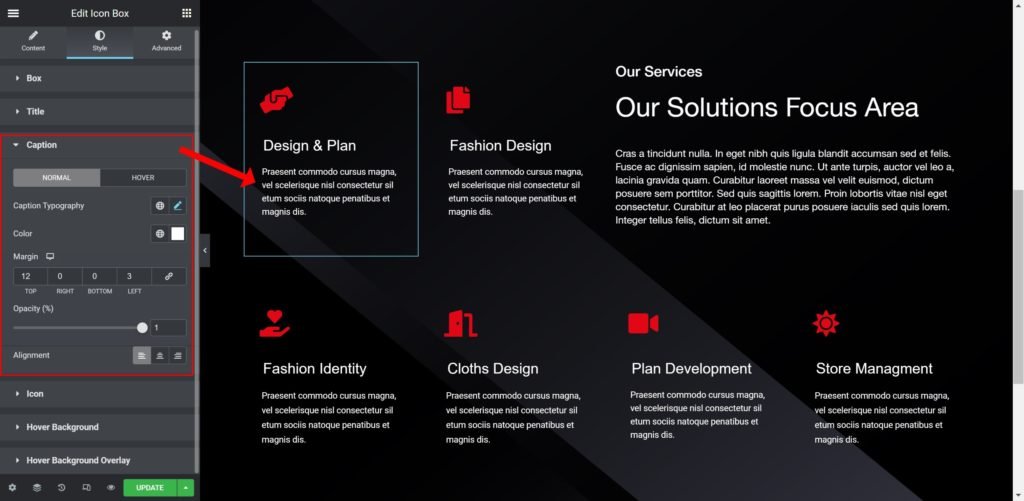
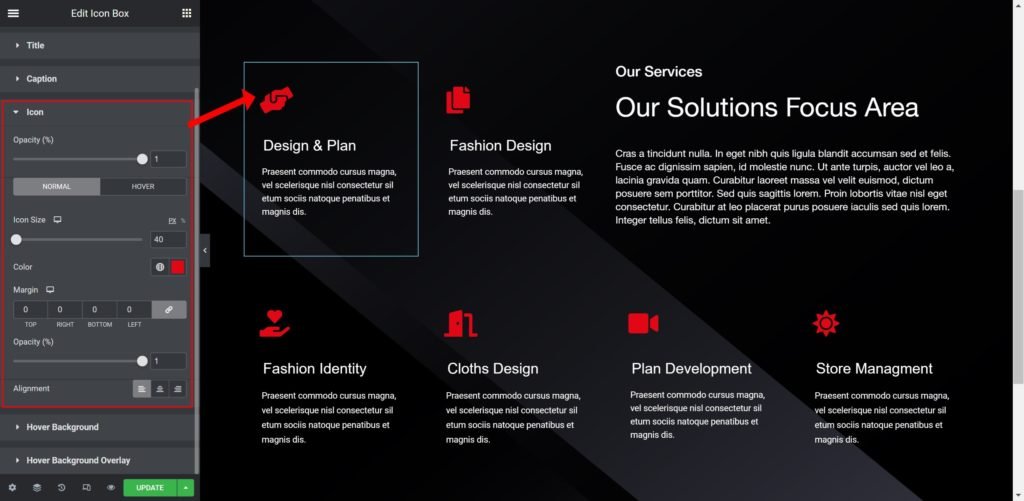
Icon Opacity: Set the opacity of the icon
Icon Size: Set the size of the icon
Icon Color: Set the spacing between the description and the title
Icon Hover Opacity: Set the opacity of the icon
Icon Hover Size: Set the size of the icon
Icon Hover Color: Set the spacing between the description and the title
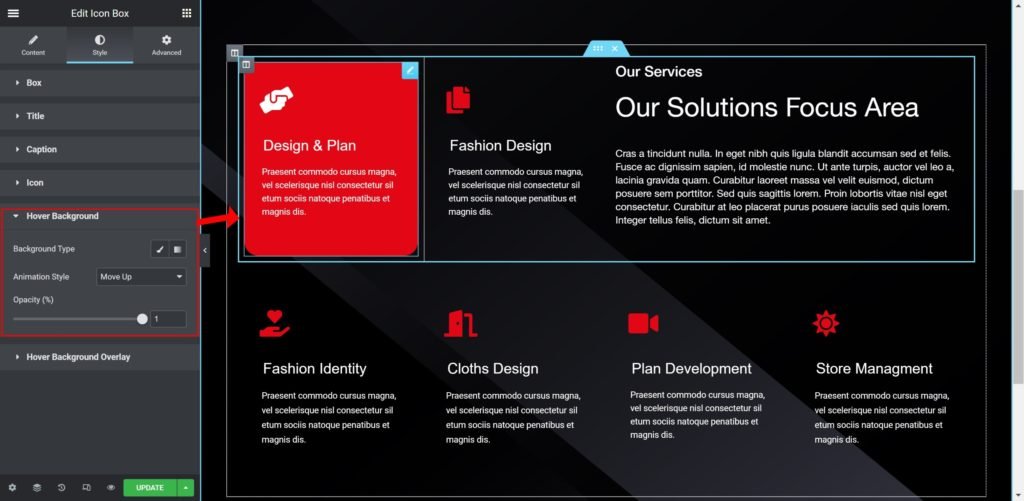
Hover Background:
Background Type: Choose the background type, color or an image from the media library
Background Animation: Choose the style of animation for the background
Background Opacity: Set the opacity of the background
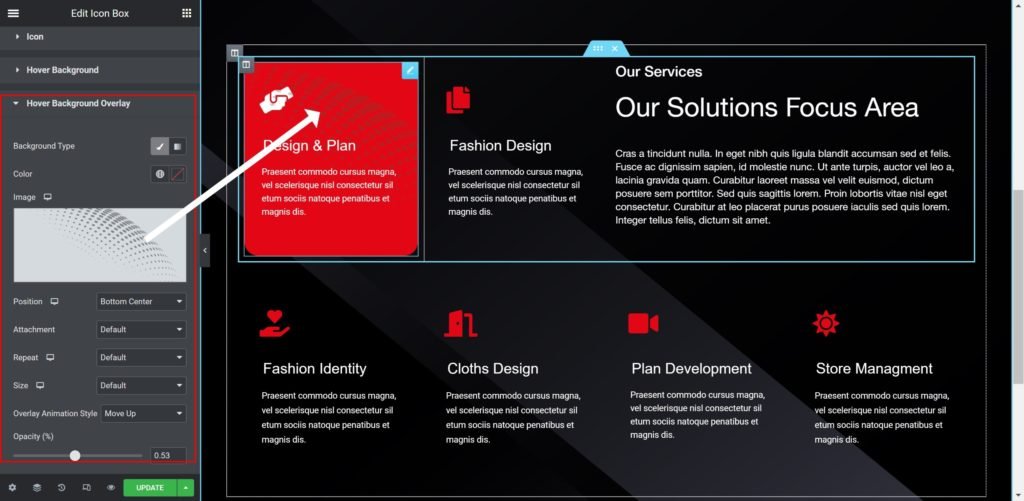
Hover Background Overlay:
Background Type: Choose the background type, color or an image from the media library
Overlay Animation: Choose the style of animation for the overlay background
Overlay Opacity: Set the opacity of the background
Output