

 FAQs
FAQsAllows you to add section title block on your page.
Layout
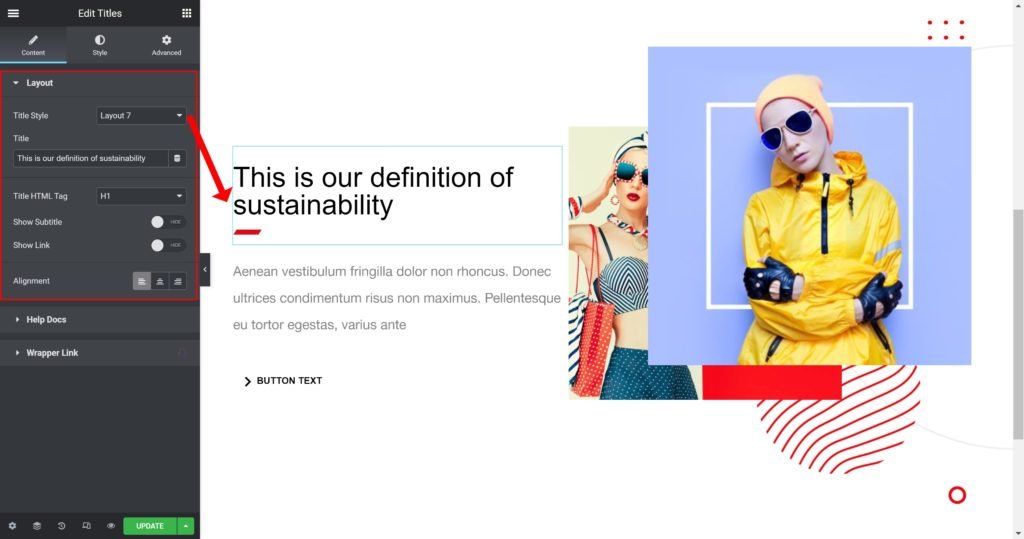
- Title Style: Choose from different styles.
- Title: Choose whether to show or hide the title.
- Title HTML tag: Wrap the title with a tag, either H1…H6, span, div or paragraph.
- Show Subtitle: Choose whether to show or hide the subtitle.
- Show Link: Choose whether to show or hide the link.
- Alignment: Align the content to the right, left or center.
Style Setting
You can manually edit styles for each element
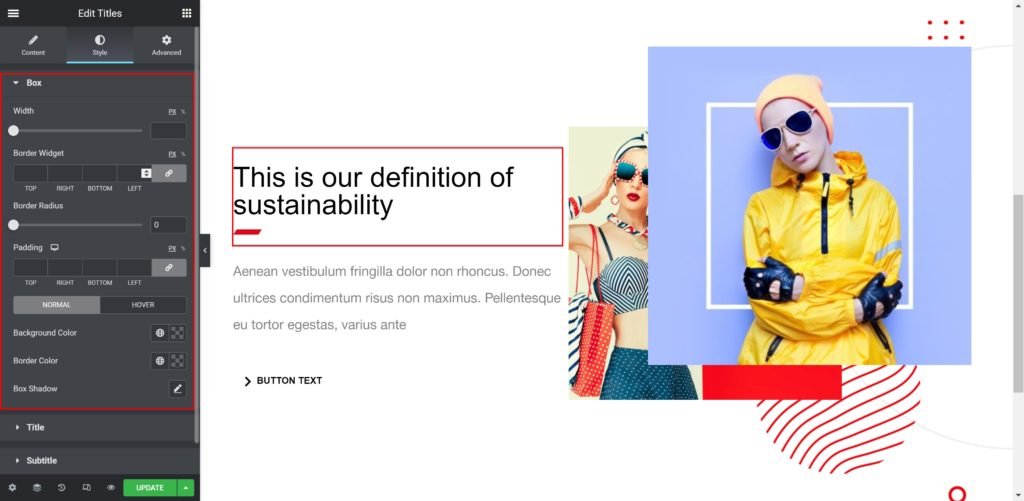
Box:
- Width: Set the width of the Title box manually.
- Border Widget: Set the thickness of the border around each slide.
- Border Radius: Set the border radius for the widget to control corner roundness.
- Padding: Set the inner spacing between the edge of the content and the edge of the slide.
- Background Color: Set the background color of the title when you hover over the title.
- Border color: Choose the border color.
- Box-shadow: Give the widget a box shadow.
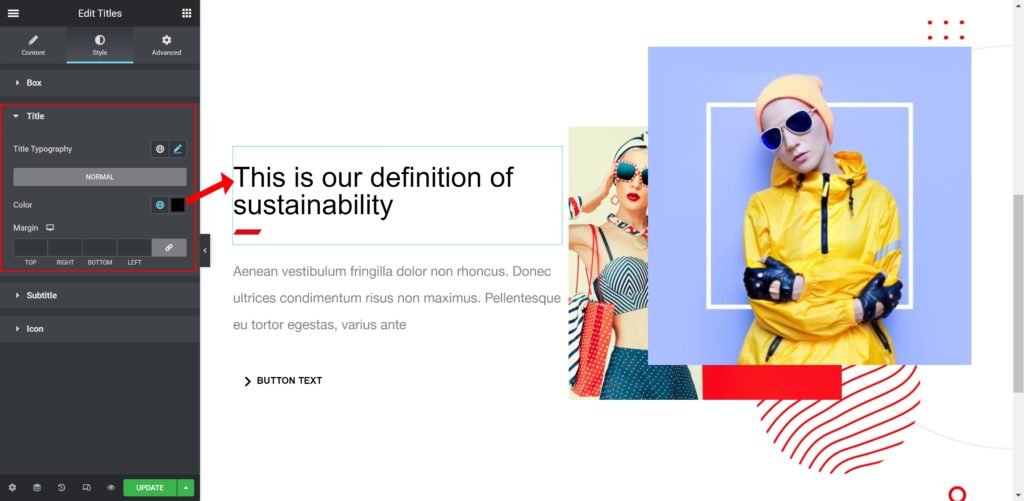
Title:
- Title Typography: Customize the typography of the Title.
- Color: Set the Title color.
Subtitle:
- Subtitle Typography: Customize the typography of the Subtitle.
- Color: Set the Subtitle color.
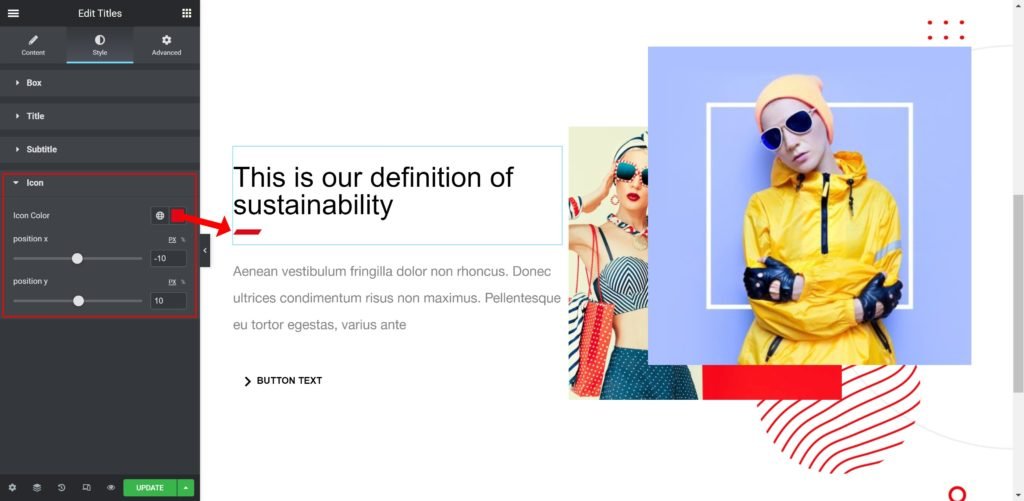
Icons
- Icon Color: Choose a color for the icon.
- Position X: Set the X position of the icon.
- Position Y: Set the Y position of the icon.
