
 FAQs
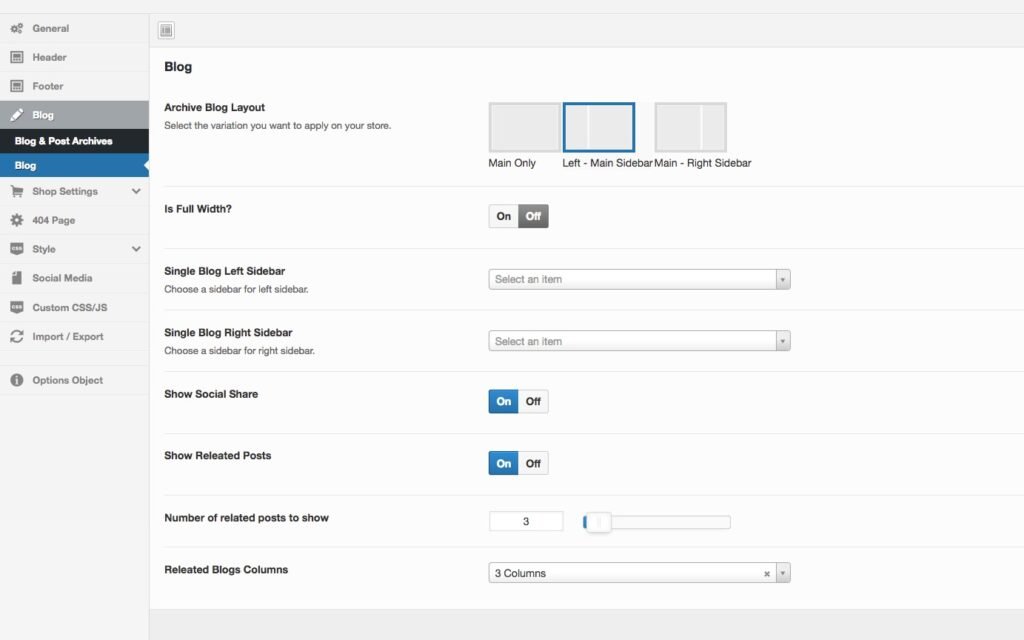
FAQsStep 1 – From your admin Dashboard navigate to : Appearance > Customize > Blog
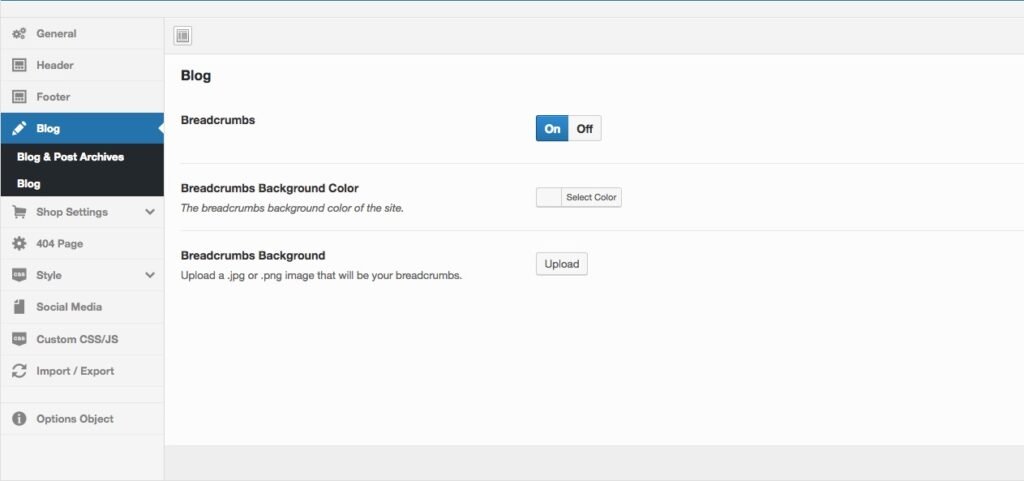
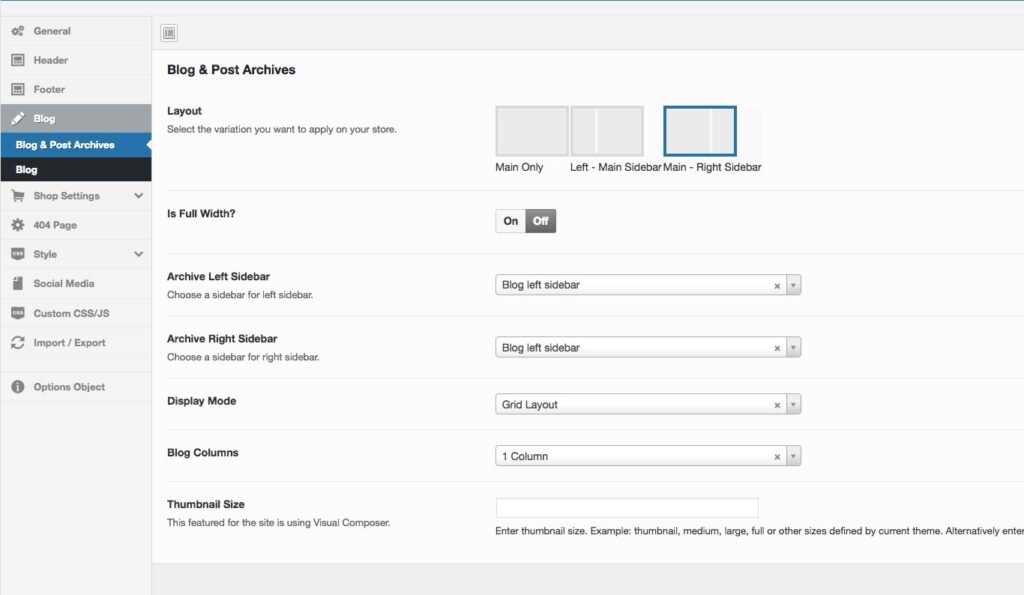
Step 2 – Set up Archive & Category Settings.
You can set the Global (default) layout for the archive blog page and category blog post then select the content sidebar to display
Step 3 – Set up Single Post Setting
- Show share post: enable or disable the share post function
- Show related post: enable or disable related post
- Number of posts to show: select the number of related posts to show
- Single blog layout: Select a layout for single blog.