
 FAQs
FAQsSet Up Footer Builder
Step 1 – From the admin Dashboard, navigate to Footer Builder > Add New Footer
Step 2 – Using Elementor backend editor mode then add an element to your Footer
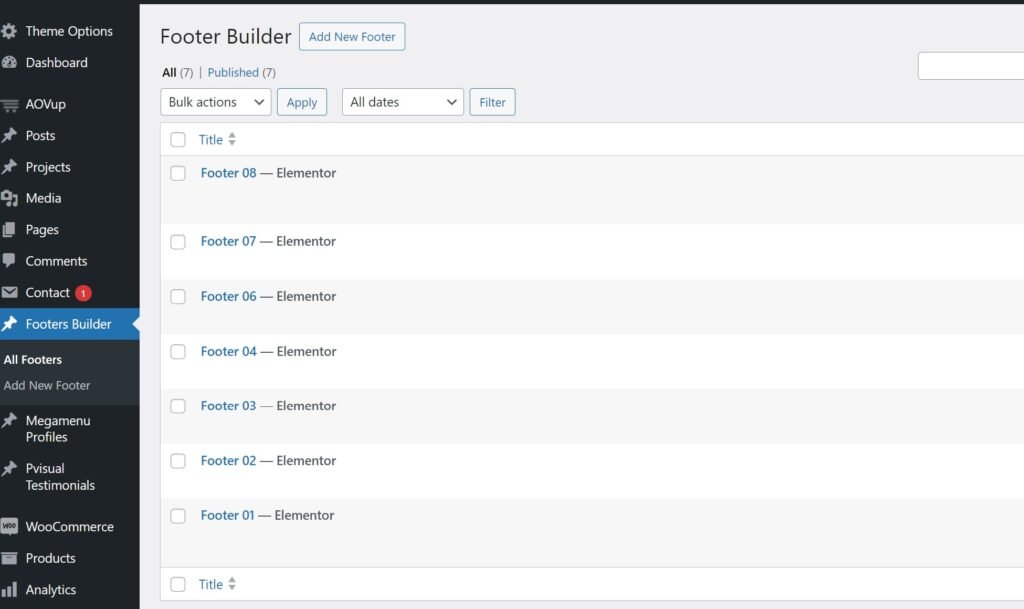
Step 3 – Build your footer style with an unlimited Footer layout.
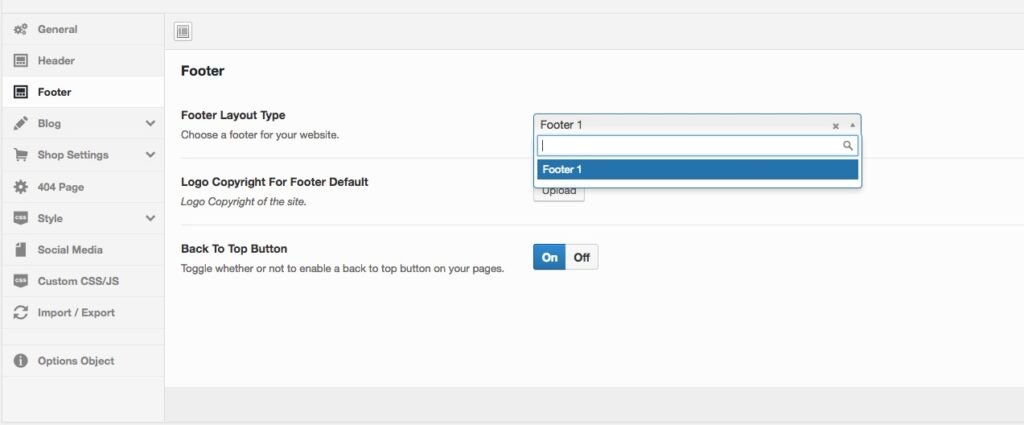
Step 4 – After creating your footer profile. Navigate to: Appearance> Customize > Theme And Layout Setting.
Choose your footer for the page.
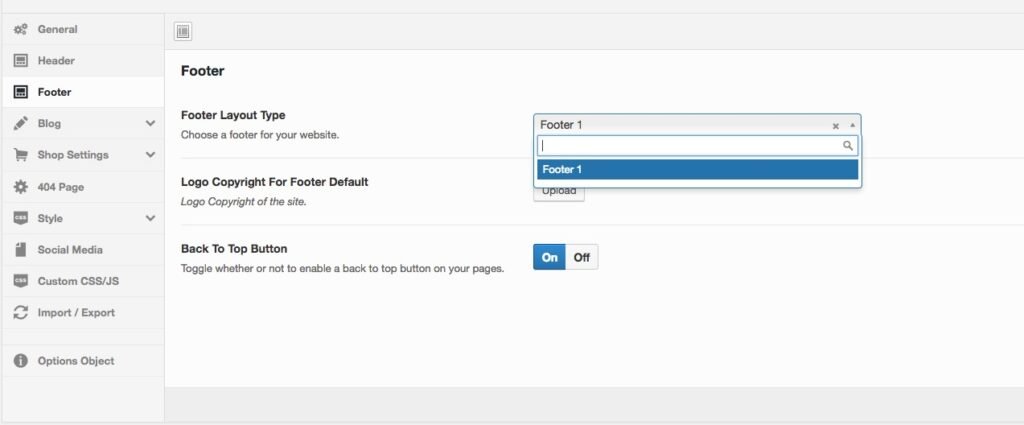
If you want a specific Footer for one of your pages. Please go to your page configuration. Select the Footer version you want to display only on that page.