

 FAQs
FAQsAllows you to add Business Hours box with icons and description on your page.
Tip: Quickly duplicate or delete items by clicking an item’s Duplicate or Delete icon
Content Settings
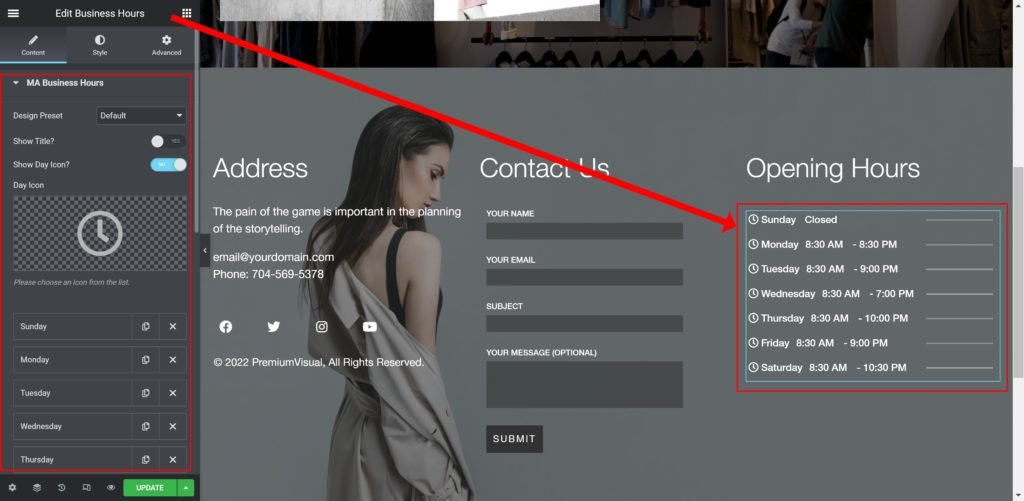
MA Business Hours
- Design Preset: Choose default, or pre-built preset styles.
- Show Title: Choose whether to show or hide the title.
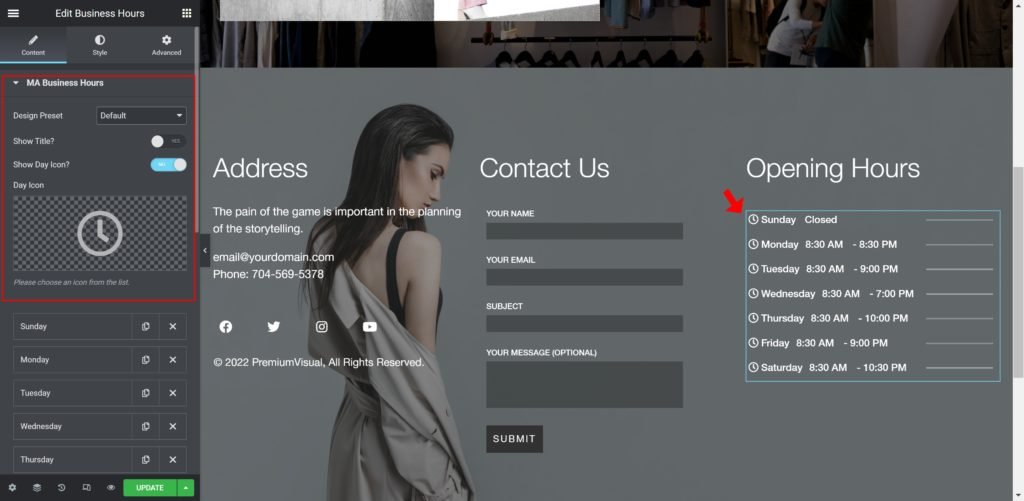
- Show Day Icon: Choose whether to show or hide the the icon.
- Choose Day Icon: Choose your icon.
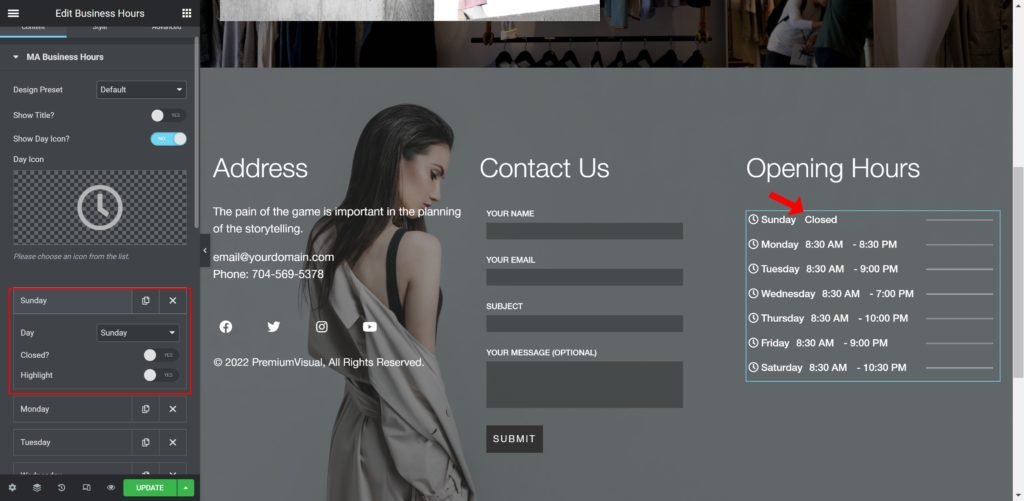
Items Settings
- Day: Choose the day.
- Closed?: Set to yes if it is closed day.
- Highlight: Set to yes to highlight the day.
Style Setting
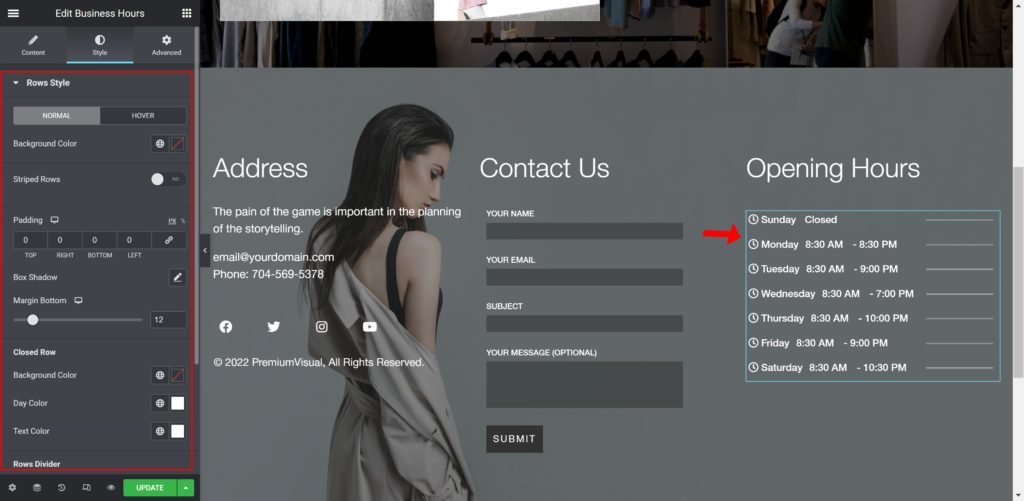
Rows Style
- Background Color: Set the background color.
- Striped Rows: Choose whether to show the strips between rows or not.
- Padding: Set the inner spacing between the edge of the text and the edge of the box.
- Box-shadow: Give the content a box shadow.
- Margin Bottom: Set the outer spacing between the bottom edge of the content and the edge..
Closed Row
- Background Color: Set the background color.
- Day Color: Set the days text color.
- Text Color: Set the description text color.
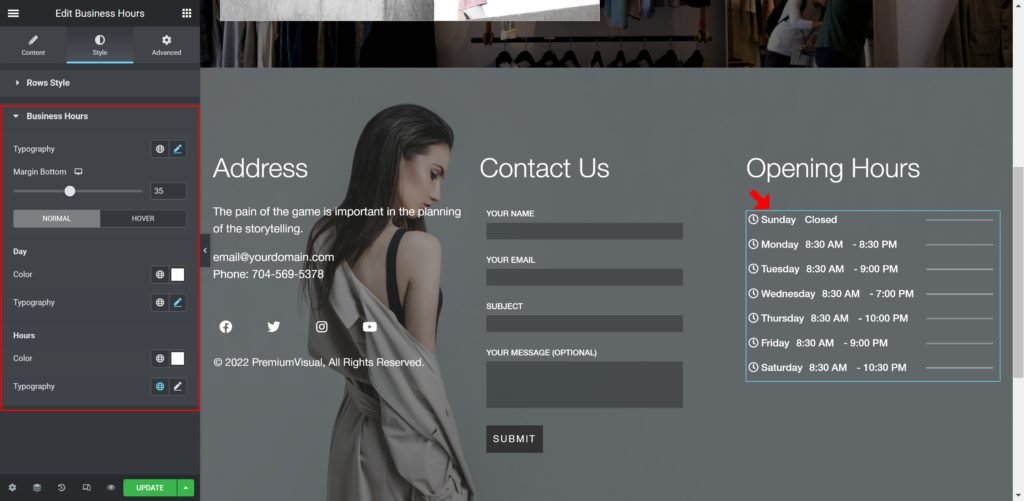
Business Hours
- Typography: Customize the typography of the text.
- Margin Bottom: Set the outer spacing between the bottom edge of each line.
Day
- Color: Set the background color.
- Typography: Customize the typography of the Title
- Text Color: Set the description text color.
Hours
- Color: Set the background color.
- Typography: Customize the typography of the Title
