

 FAQs
FAQs
Card Style: Choose the card style from the list.
Choose Image:
Image Size: Choose from the sizes list.
Opacity (%): set the transparency to the image.
Title: Enter the title text to be displayed on the card.
Alignment: Align the title to the left, center, or right.
Caption:
Alignment: Align the caption to the left, center, or right.

Image Size (%): Set the size of the image.
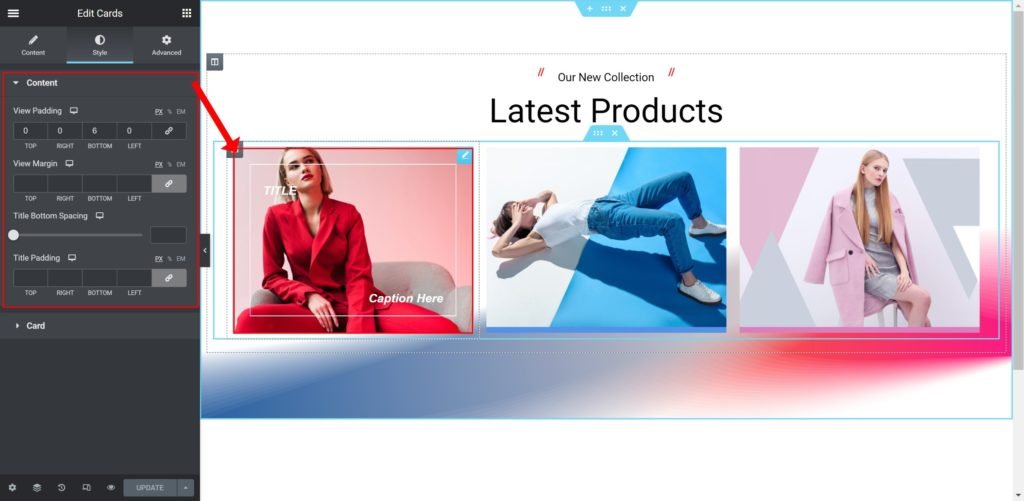
View Padding: Set the inner spacing between the edge of the card and the edge of the column.
View Margin: Set the outer spacing between the edge of the card and the edge of the column.
Title Bottom Spacing: Set the bottom spacing of the title and the bottom elements.
Title Padding: Set the inner spacing between the edge of the title and the edge of the column.
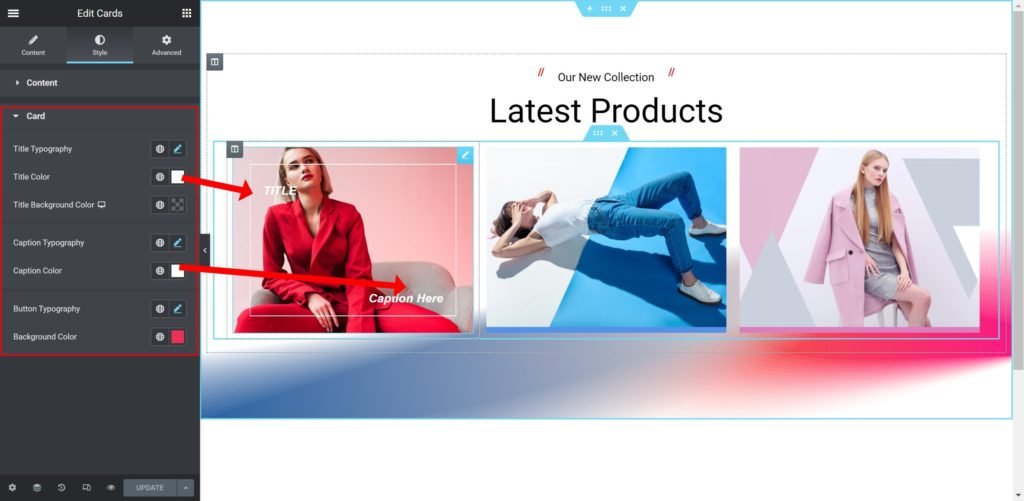
Title Typography: Change the typography options of the search bar for both normal and focused modes
Title Color: Choose the color of the text.
Title Background Color: Choose the background color.
Caption Typography: Change the typography options of the caption.
Caption Color: Choose the color of the caption text.
Background Color: Choose the background color.
